
Illustrative scenario: the café described here is hypothetical, not a customer case study.
Imagine running an independent café where the same questions surface every week: Is the WiFi easy to join? Are guests staying long enough to work? Does the afternoon offer make sense? Instead of relying only on conversations at the counter, you can use a short guest survey as one input into better day-to-day decisions.
The goal is not to turn every WiFi login into a marketing campaign. It is to create a small, respectful feedback loop: make arrival simple, ask one useful question, review the pattern, and decide what—if anything—to change.
Start with the arrival experience
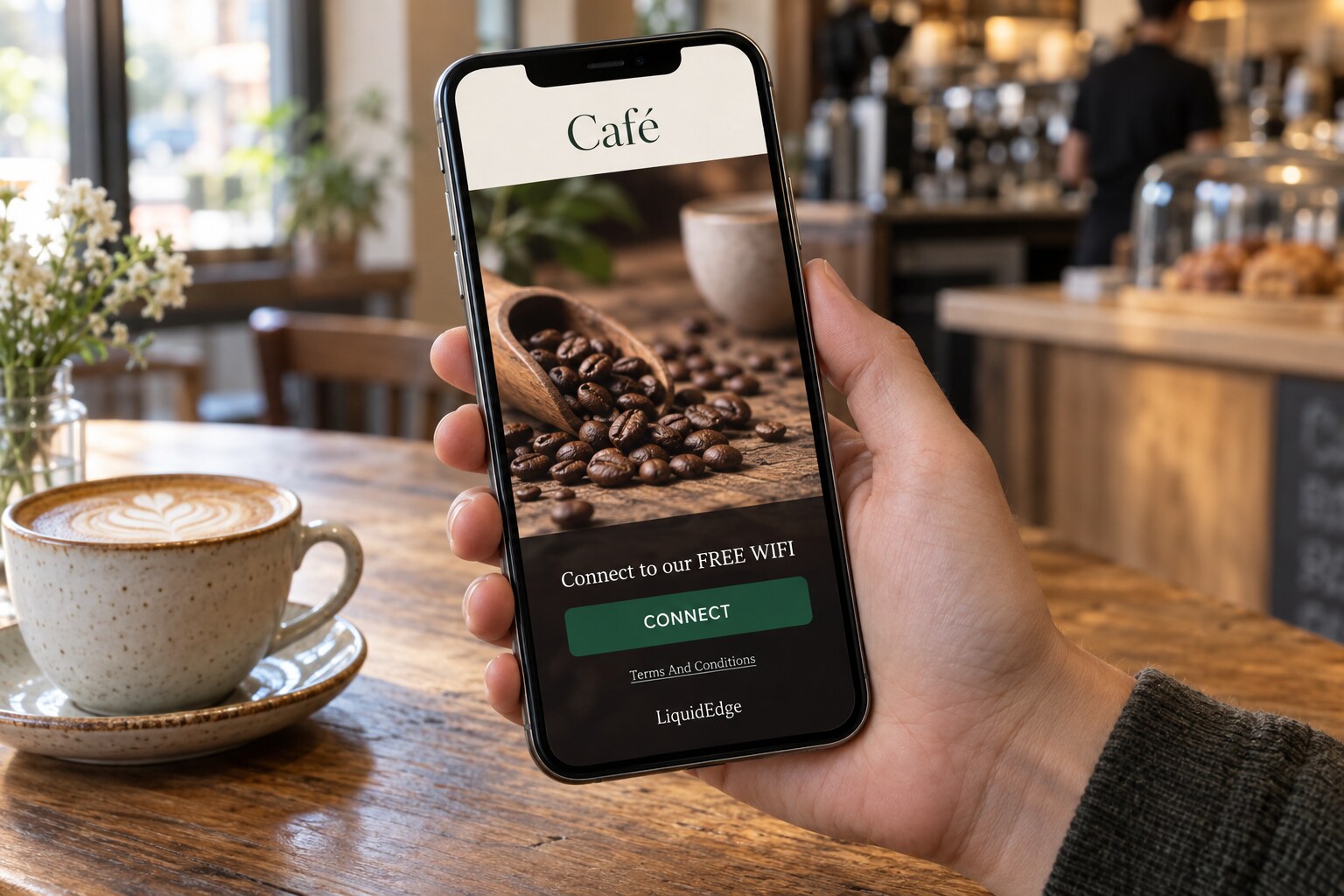
A guest sees the café’s WiFi network, connects, and reaches a branded portal. Keep the first screen clear: explain what the network is for, use the venue’s logo or colours where available, and avoid presenting a long form before the guest can understand the next step.
UniFi supports hotspot portals with branding and configurable authentication choices. It also supports guest-network and client-isolation settings that help keep visitor traffic separate from the café’s internal devices. Check the network design with whoever manages your UniFi controller before changing production settings.
If you collect an email address, explain why. Joining WiFi and agreeing to receive marketing are not automatically the same choice. Use a separate, understandable opt-in where appropriate, state the purpose, and provide an unsubscribe route for later messages. Do not assume that a portal alone creates permission for newsletters, remarketing, or advertising audiences.
Before setup, check feature availability
Before planning a survey or offer, check whether those options are available in your venue configuration and plan. They are not guaranteed to be enabled for every account or free account.
A practical café setup might include:
- A dedicated guest SSID connected to the intended guest network.
- A branded portal with a short welcome message.
- An email-entry option only if it suits the venue’s stated purpose and consent flow.
- One short multiple-choice survey, if available in the venue configuration and plan.
- An optional, relevant offer or promotional image, if available and appropriate.
- Clear wording separating WiFi access from marketing opt-in.
- A test on a real phone before inviting visitors to use it.
Keep the survey small. One question can be enough to begin: “What would make your next visit better?” Possible answers might include faster service, more seating, quieter tables, different opening hours, or more food choices. A second question can ask about visit purpose, but avoid collecting information you do not need.
Make the question useful at the right moment
A café could show a question after login or at a natural point in the portal journey. The wording should feel connected to the visit rather than like an unrelated questionnaire. For example, a guest who is joining WiFi during a busy lunch period might be asked which improvement would matter most during future visits.
The operator’s job is then to look for repeated themes—not to treat every answer as a command. If several responses mention seating, the next step might be to observe table turnover or test a clearer layout. If opening hours appear frequently, compare the feedback with actual footfall and staffing constraints. If the answers are scattered, the right decision may be to ask a narrower question next time.
Keep follow-up proportional
A survey is useful only if someone reviews it. Add a short weekly routine: choose a fixed day, review the latest responses, record one observation, and decide whether there is a small action worth testing.
Keep portal configuration separate from external email or advertising tools. LiquidEdge can help you understand guest activity and captured contacts where configured, but this article does not assume an included email platform, automatic ad audience syncing, or an external integration. If you send follow-up messages, use a suitably configured platform and the permissions required for that activity.
Measure one meaningful outcome
Start with one operational measure alongside survey responses: the share of portal visitors who complete the question, or the number of returning visitors during the following observation period. Define the window before making changes—for example, compare two ordinary weeks rather than judging a single busy Saturday.
Also track the funnel separately: portal visits, survey responses, consented contact captures, and repeat visits are different events. A response count is not proof of revenue, retention, or a successful campaign. Use the data to support a decision, then record what changed and what you learned.
A practical first step
If you already operate a hosted, publicly reachable UniFi controller, try a focused LiquidEdge pilot with one site and one access point. Use it to validate the portal journey and understand your guest activity before planning broader surveys, promotions, or follow-up marketing. Create a free LiquidEdge account and start with the one-site, one-access-point portal pilot.